
Seagate One Touch · External SSD
Seagate One Touch SSD & Desktop Drive
Authorized Reseller · Best Pricing · Expert Guidance
Sleek external storage with password protection and USB-C — fast enough for real-time work, small enough to live in a pocket.
One cable for data and power on current laptops and tablets
Ideal for real-time editing, quick backups and high-resolution files
Keeps the contents unreadable if the drive is lost or stolen
Works on both macOS and Windows without file size limits
Why choose an external SSD over a hard drive?
It depends on your workflow — and many people end up using both.
Solid-state drives (SSDs) offer faster data transfer speeds, making them ideal for real-time editing, quick backups and working with high-resolution files. They’re also more portable, and with no moving parts they tolerate being carried around far better than a spinning drive.
External hard drives provide more storage at a lower cost, which is great for archiving large libraries or long-term storage. Many professionals use both — SSDs for active work, hard drives for backup.
The One Touch line adds password protection, so the contents stay unreadable if the drive is lost, and USB-C connectivity for a single-cable connection to current laptops.
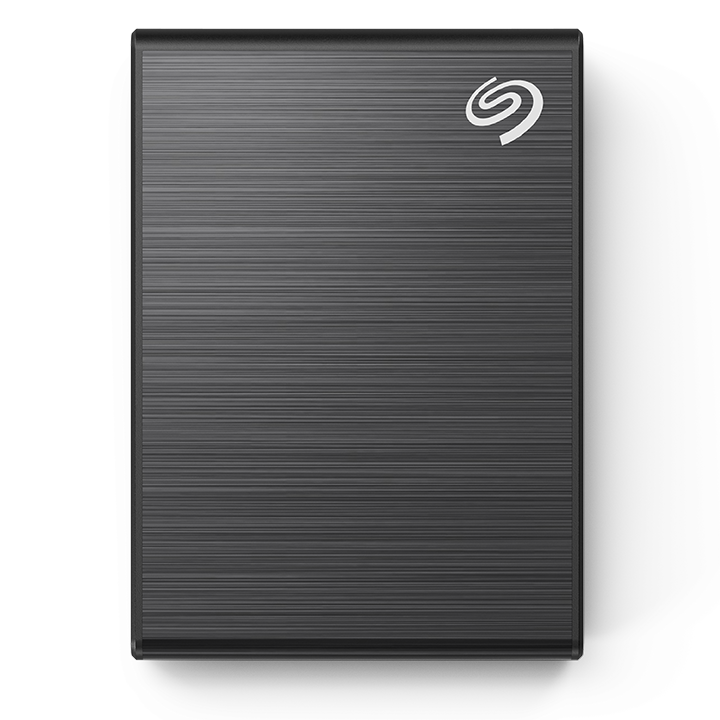
What does the Seagate One Touch line give you?
Four properties that make it a good everyday carry drive.
SSD Speed
Faster data transfer speeds for real-time editing, quick backups and working with high-resolution files, without waiting on a spinning platter.
Password Protection
Built-in password protection keeps your files unreadable to anyone who picks up the drive, which matters most on exactly the kind of drive that travels.
USB-C Connectivity
A single USB-C cable carries data and power on current laptops and tablets. Your device should recognize the drive automatically on connection.
Mac and Windows
Most Seagate external drives come preformatted in exFAT, which works with both systems. Reformat to NTFS or APFS if you work exclusively on one platform.
How does the One Touch SSD run on USB-C power alone?
No moving parts, no fan and no power brick — the One Touch SSD draws everything it needs from the USB-C cable.
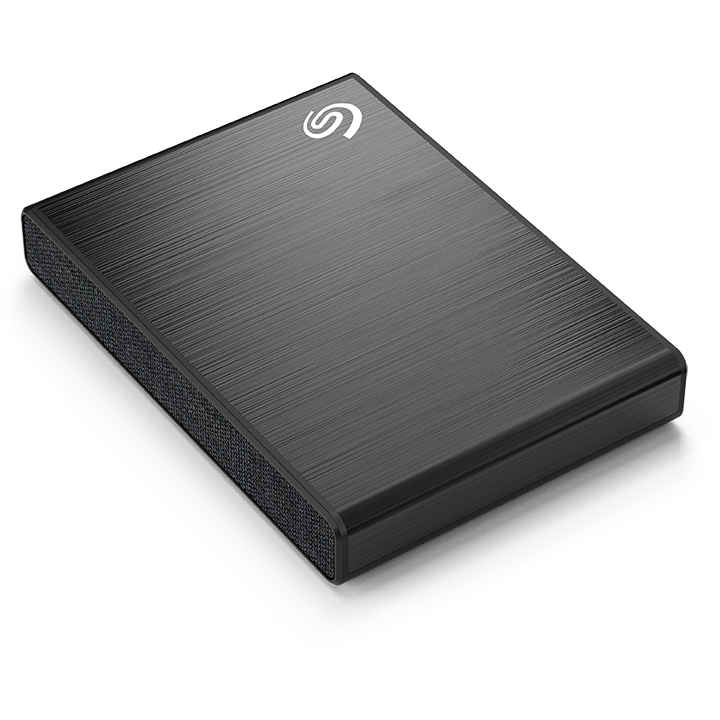
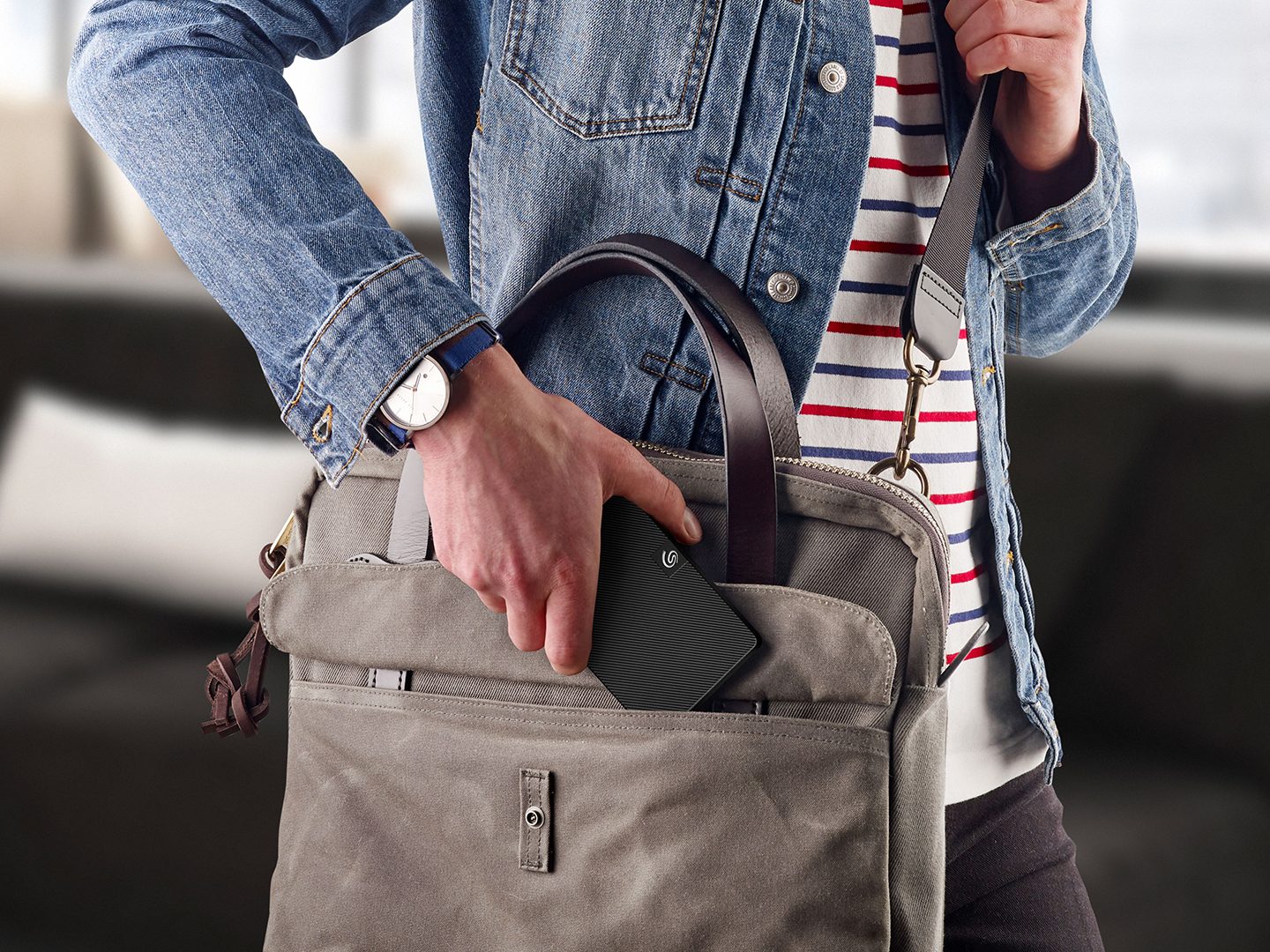
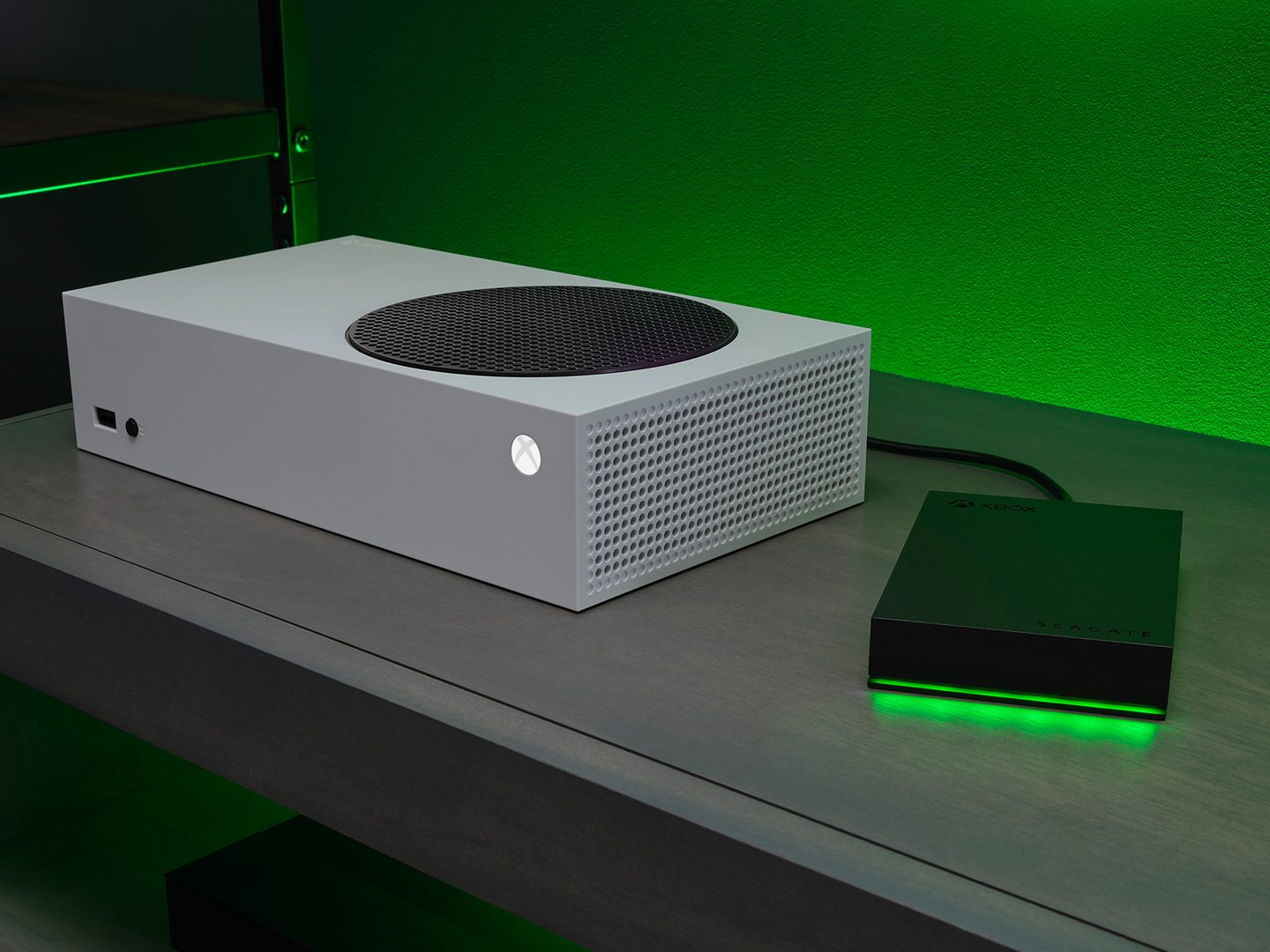
Other Seagate external drives alongside One Touch
Portable, desktop, professional and gaming external storage.
How do you set up password protection on an external SSD?
How to build a backup routine that actually protects your data.
One Touch SSD: frequently asked questions
Setup, formatting, compatibility and security answers for the One Touch line.
It depends on your workflow. SSDs offer faster data transfer speeds, making them ideal for real-time editing, quick backups and working with high-resolution files, and they’re more portable. External hard drives provide more storage at a lower cost, great for archiving large libraries or long-term storage. Many professionals use both — SSDs for active work, hard drives for backup.
Setting up your Seagate external hard drive or SSD is quick and easy. Just connect the drive to your computer using the included USB cable — your device should recognize it automatically. For optimal performance you may want to reformat the drive to match your operating system (exFAT for cross-platform, NTFS for Windows or APFS for macOS).
Yes. Most Seagate external hard drives and SSDs are compatible with both Mac and Windows, and many come preformatted in exFAT which works with both systems. If your drive is formatted specifically for one OS you can reformat it to suit your needs.
On Windows, open Disk Management, right-click the drive, select Format and choose exFAT. On Mac, open Disk Utility, select the drive, click Erase, choose exFAT then click Erase. exFAT works on both macOS and Windows without file size limits.
The One Touch line includes password protection, so the contents remain unreadable without the password. This is set up through the drive’s bundled software on first connection.
Seagate offers a diverse range of external hard drives to meet various needs. Portable drives are lightweight for on-the-go storage, while desktop drives provide larger capacities for extensive backups and media. Specialized gaming drives enhance storage and performance for Xbox® and PlayStation®. Seagate also offers themed special edition external hard drives with unique designs, versatile personal storage drives for everyday use and high-capacity professional storage drives for demanding tasks.
Connect your external hard drive. Go to Settings > System > Storage > Advanced storage settings > Backup options. Click Add a drive and select your external drive. Enable File History for automatic backups, or use Backup and Restore (Windows 7) for a full system image.
Open Settings > Update & Security > Backup. Click Add a drive and choose your external drive. Enable File History to back up files automatically, or use Backup and Restore (Windows 7) for a full system image.
Open System Preferences > Time Machine (System Settings > General > Time Machine on macOS Ventura and later). Click Select Backup Disk and choose your external drive, then turn on Time Machine for automatic backups. Time Machine will back up your files periodically in the background.
Yes. On Mac (macOS Catalina and later), connect your iPhone to your Mac, open Finder, select your device, choose Back up all data to this Mac, then manually move the backup to an external drive. On Windows or older Macs, use iTunes to back up then move the backup folder to an external drive. Third-party software can also perform direct backups.
Connect the drive to your computer. On Windows, open Disk Management, right-click the drive, select Format and choose exFAT. On Mac, open Disk Utility, select the drive, click Erase, choose exFAT then click Erase. Note: exFAT works on both macOS and Windows without file size limits.
On Windows, click the USB/Drive icon in the taskbar, select Eject [Drive Name], wait for the confirmation message then unplug safely. On Mac, open Finder and locate the drive under Devices, click the Eject icon next to the drive name, wait for it to disappear then unplug safely.
On Mac: open Finder and look under Locations in the sidebar; check your desktop if drive display is enabled; open Disk Utility to see if the drive is recognized but not mounted; and check that the cable and ports are working. On Windows: open File Explorer (Windows + E) and check under This PC for the drive under Devices and Drives, then right-click the Start menu and select Disk Management to see if the drive is recognized but not yet formatted or mounted.
Our specialists will help you match capacity, interface and form factor to how you actually work. BlueAlly (DiskDataWorks.com) is an authorized Seagate reseller — call 844-356-5142 or request a quote online.
Buy the One Touch SSD from an authorized reseller
Our specialists will help you match the One Touch line to how you actually work — capacity, interface and form factor — and quote authorized-reseller pricing.
Capacity sizing for your library and backup set
Mac, Windows and cross-platform formatting guidance
Interface check (USB-C, USB 3.x, Thunderbolt)
Authorized-reseller pricing with full warranty coverage
Talk to an Expert
with a BlueAlly Solution Architect